Blog art that belongs
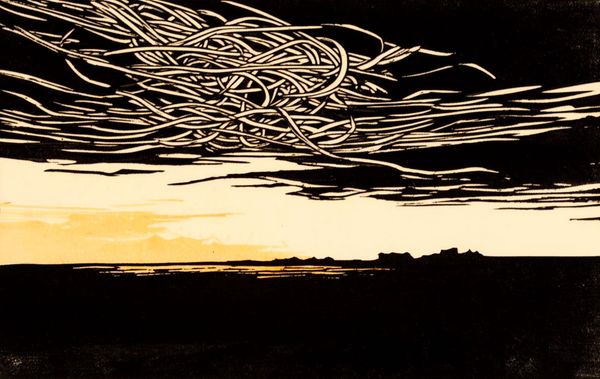
Every post needs a hero image. Sometimes you don't need the perfect one — you just need something that doesn't clash.
For a while I was using Loras for post art. Fine results, but the workflow sat completely outside of my writing flow and I'd never be able to fully adapt that to my style and iterate ... and, well, learn more about using image generators.
When FLUX.2-dev came out I wanted to try it — and connect it to the blog workflow directly rather than bolt on another external script. So I built a small browser tool that lives in the site itself. Paste your Together AI key, type a subject, hit Generate — three images run in parallel in about 20-30 seconds. Click one, crop, save straight to src/site/images/blog/. The tool spits out a frontmatter snippet ready to paste. All without leaving the browser.
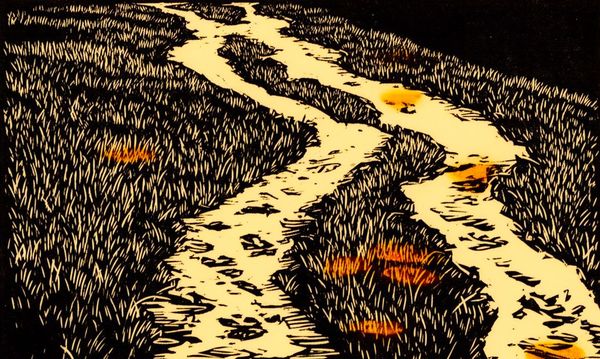
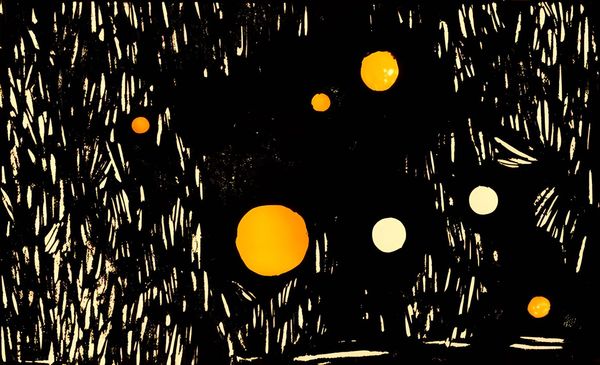
A consistent style prefix keeps images looking like a set across posts rather than a random pile. The rest is just picking a prompt that fits the feel of the post.
Three images run about $0.03 via Together AI. The tool is a single self-contained page if you want to adapt it.
 people found this useful